If you are new to SEO, free SEO tools can help you understand your website, find useful keywords, check technical issues, and improve your search engine visibility. Many powerful SEO tools offer free features that are enough for beginners to start learning and practicing SEO.
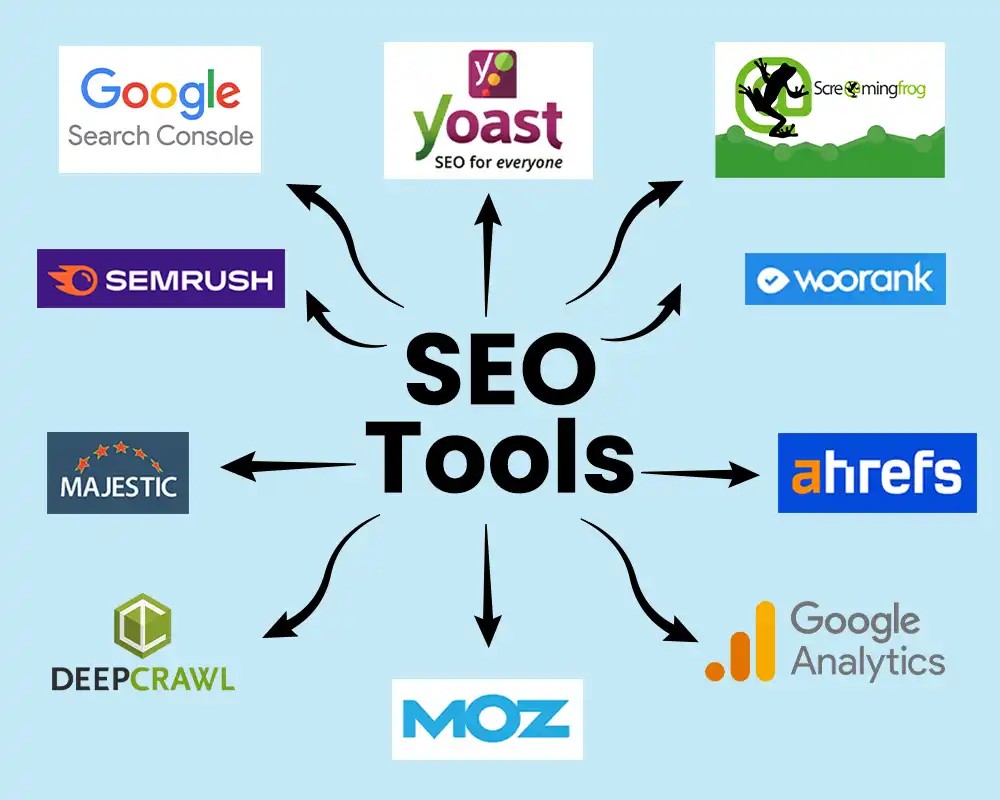
In this article, we will discuss some of the best free SEO tools for beginners and explain how each tool can help improve a website.
Why Free SEO Tools for Beginners Are Important
SEO tools make it easier to find problems and opportunities on a website. Instead of checking everything manually, you can use SEO tools to collect useful information about keywords, website performance, search traffic, and technical SEO.
For beginners, these tools are also useful for learning how search engines understand and rank websites.
10 Free SEO Tools for Beginners
1. Google Search Console: A Free SEO Tool for Beginners
Google Search Console is a free tool from Google that helps website owners monitor their website’s presence in Google Search.
You can use it to check search performance, search queries, clicks, impressions, indexing issues, and pages that Google has discovered.
It can also help you identify problems that may prevent pages from appearing properly in Google Search.
2. Google Analytics
Google Analytics helps website owners understand how visitors interact with their websites.
You can use it to see information such as website traffic, pages visited by users, traffic sources, and user engagement.
For beginners, Google Analytics can help you understand which pages are attracting visitors and how people use your website.
3. Google Keyword Planner
Google Keyword Planner is a useful tool for keyword research. It can help you discover keyword ideas related to your topic.
You can enter a word or phrase and find related search terms. Keyword research helps you understand what people may search for when looking for information, products, or services.
Beginners can use these ideas to plan website content and blog topics.
4. Google Trends
Google Trends helps you explore how search interest changes over time.
You can compare different topics or keywords and see whether interest in a particular topic is increasing or decreasing.
For example, if you are planning an article, Google Trends can help you understand whether people are currently interested in that topic.
5. PageSpeed Insights
Google PageSpeed Insights is a free tool that checks the performance of a webpage on mobile and desktop devices.
It provides performance information and suggestions for improving page speed.
Website speed is important because a slow website can create a poor user experience. Beginners can use PageSpeed Insights to identify performance issues and learn how to improve website loading speed.
6. Google Rich Results Test
Google Rich Results Test helps you check whether a webpage is eligible for certain rich results in Google Search.
Rich results can display additional information about a webpage in search results when the required structured data is correctly implemented.
This tool is useful for beginners who want to learn more about structured data and schema.
7. Yoast SEO
Yoast SEO is a popular WordPress SEO plugin that provides tools for optimizing website content.
It can help with SEO titles, meta descriptions, XML sitemaps, focus keyphrases, readability, and other SEO settings.
For beginners using WordPress, Yoast SEO can make basic on-page SEO easier to understand and manage.
8. Ubersuggest
Ubersuggest provides SEO features such as keyword ideas, keyword research, content ideas, and website analysis.
Its free features can be useful for beginners who are learning how keywords and competitors can be researched.
You can use it to discover potential keywords and get ideas for creating useful content.
9. Ahrefs Webmaster Tools
Ahrefs Webmaster Tools provides website owners with useful SEO information about their websites.
It can help identify technical SEO issues and provide information about website health and backlinks.
Beginners can use its available free features to learn how websites can be analyzed and improved.
10. Bing Webmaster Tools
Bing Webmaster Tools is a free service from Microsoft that helps website owners monitor their websites in Bing Search.
It provides tools and reports related to search performance, indexing, and website health.
Although Google is widely used for search, checking Bing can also provide useful information about your website.
How to Choose the Right Free SEO Tool for Beginners
You do not need to use every SEO tool at the same time. The best approach for beginners is to start with a few tools and learn how to use them properly.
For example, you can use Google Search Console to monitor search performance, Google Keyword Planner for keyword ideas, PageSpeed Insights for website speed, and Yoast SEO for basic WordPress optimization.
As you gain more SEO experience, you can explore additional tools for keyword research, backlinks, technical SEO, and competitor research.
Tips for Using Free SEO Tools for Beginners
When using SEO tools, keep the following tips in mind:
- Focus on solving real website problems instead of collecting too much data.
- Use more than one source when researching important keywords.
- Do not choose keywords only because they have high search volume.
- Check your website regularly for technical SEO issues.
- Write content for users first and optimize it naturally for search engines.
- Learn what each SEO metric means before making changes to your website.
Conclusion
Free SEO tools for beginners can make SEO easier for beginners by providing useful information about keywords, website performance, indexing, search traffic, and technical issues.
You do not need expensive tools to start learning SEO. Tools such as Google Search Console, Google Keyword Planner, Google Trends, PageSpeed Insights, Yoast SEO, and Bing Webmaster Tools can provide valuable information for beginners.
Start with a few tools, practice regularly, and gradually learn how each tool can help improve your website.